Day 3- Assignment Work

Navigation Commands (ls, cd, pwd)
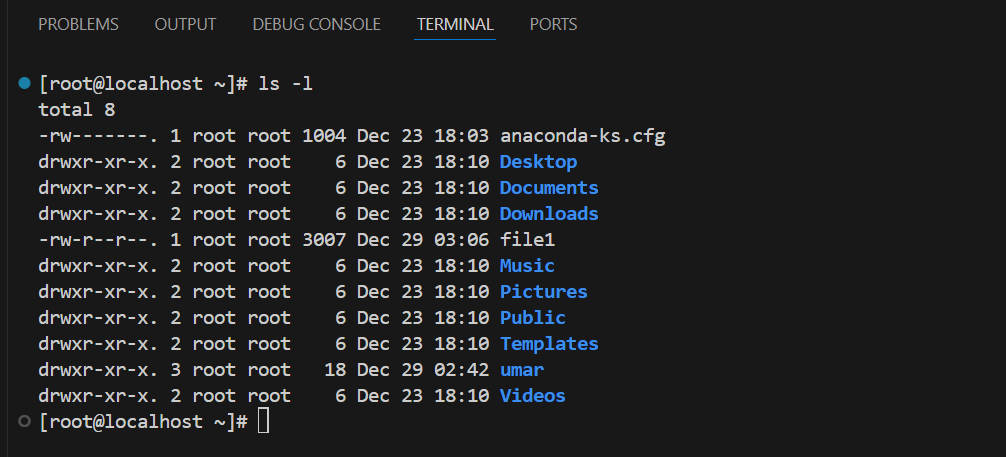
List all files in the current directory including file details (permissions, size, etc.).
Change the current directory to
/usr/local/binand then navigate back to the home directory.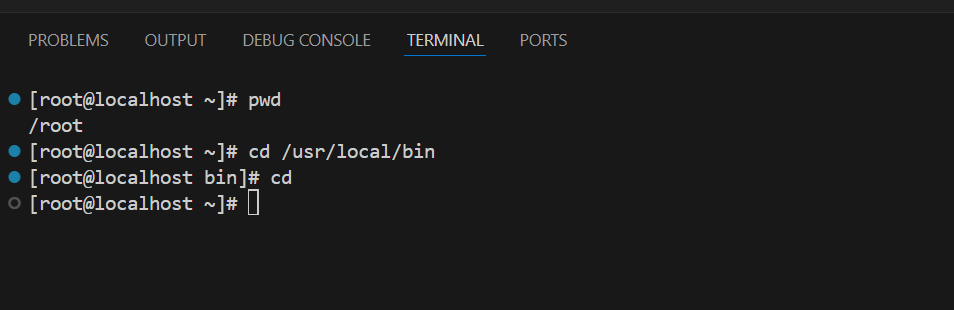
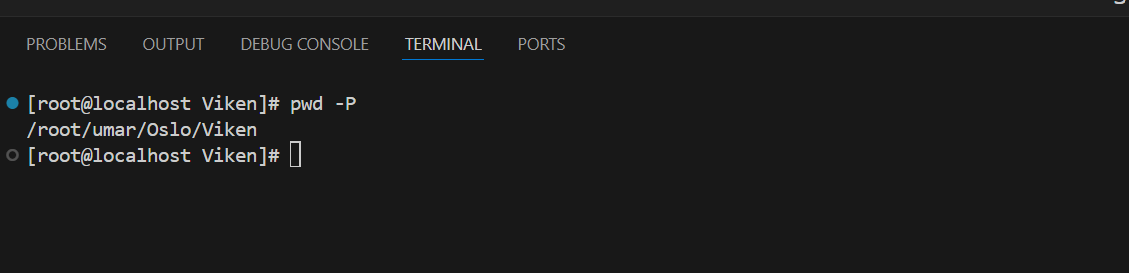
Print the full absolute path of the current directory, including any symbolic links.
List all files, including hidden files, in the
/etcdirectory recursively.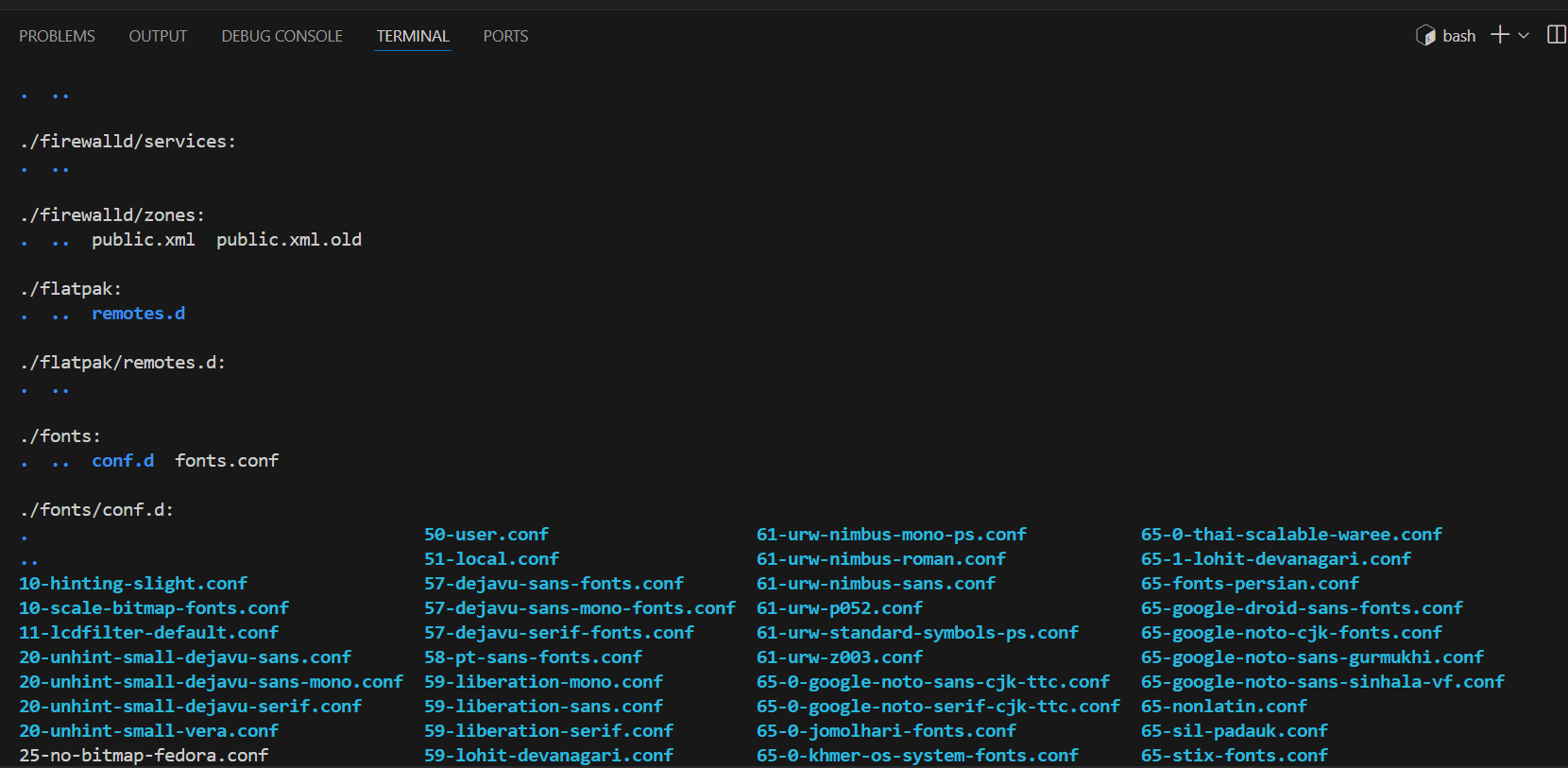
Navigate to the root directory (
/) and list the files and directories there.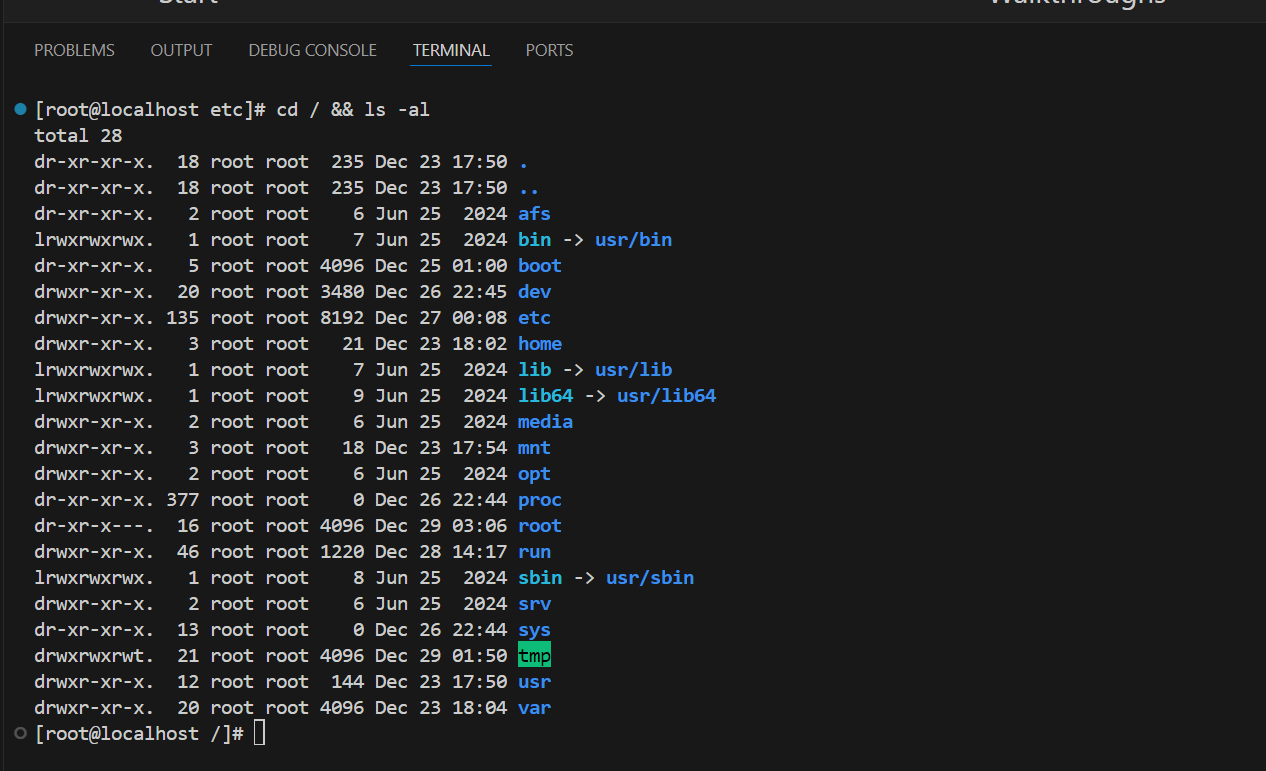
File Management Commands (cp, mv, rm, mkdir, touch)
Copy the file
document.txtto the/tmp/backup/directory. Ensure it preserves file attributes.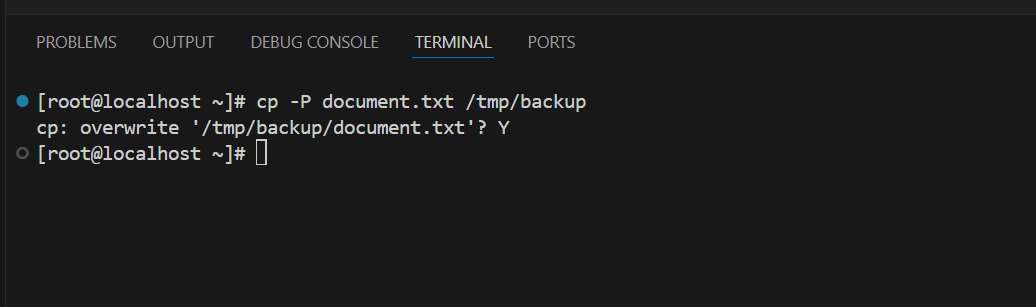
2. Move the file
file1.txtfrom the current directory to/home/username/Documents/and rename it tofile2.txt.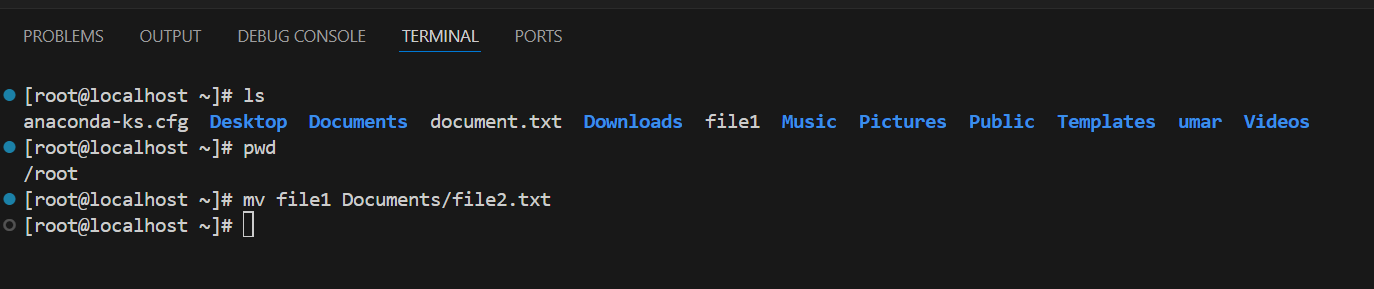
3. Remove the file
tempfile.txtfrom the/home/username/tmp/directory without prompting for confirmation.
4. Create a directory named
new_folderunder the/var/directory, then create a fileinfo.txtinside it.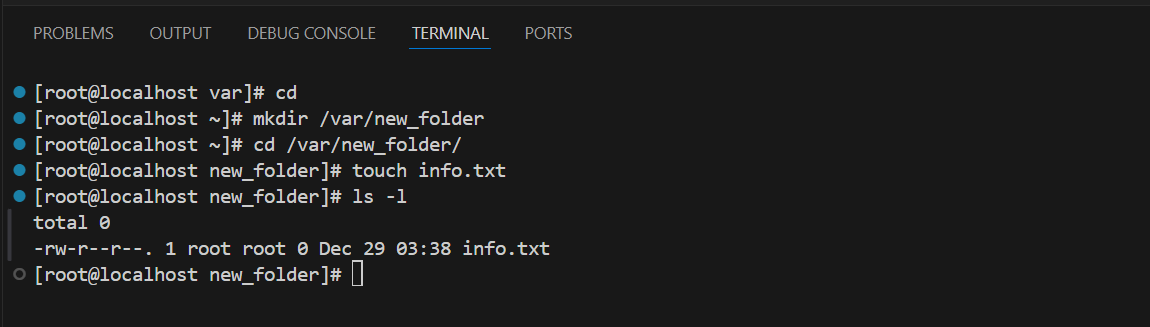
5. Create a new empty file called
logfile.login the current directory.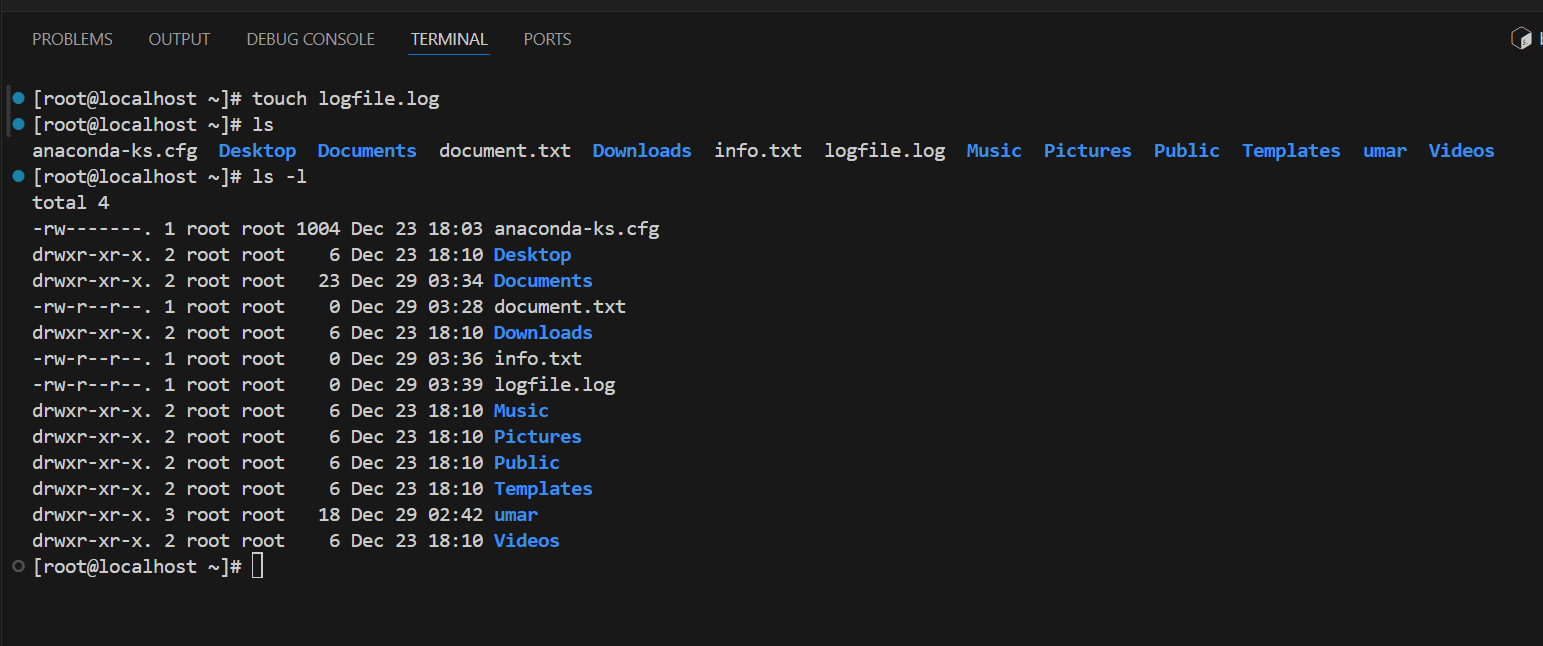
Viewing Files Commands (cat, less, head, tail)
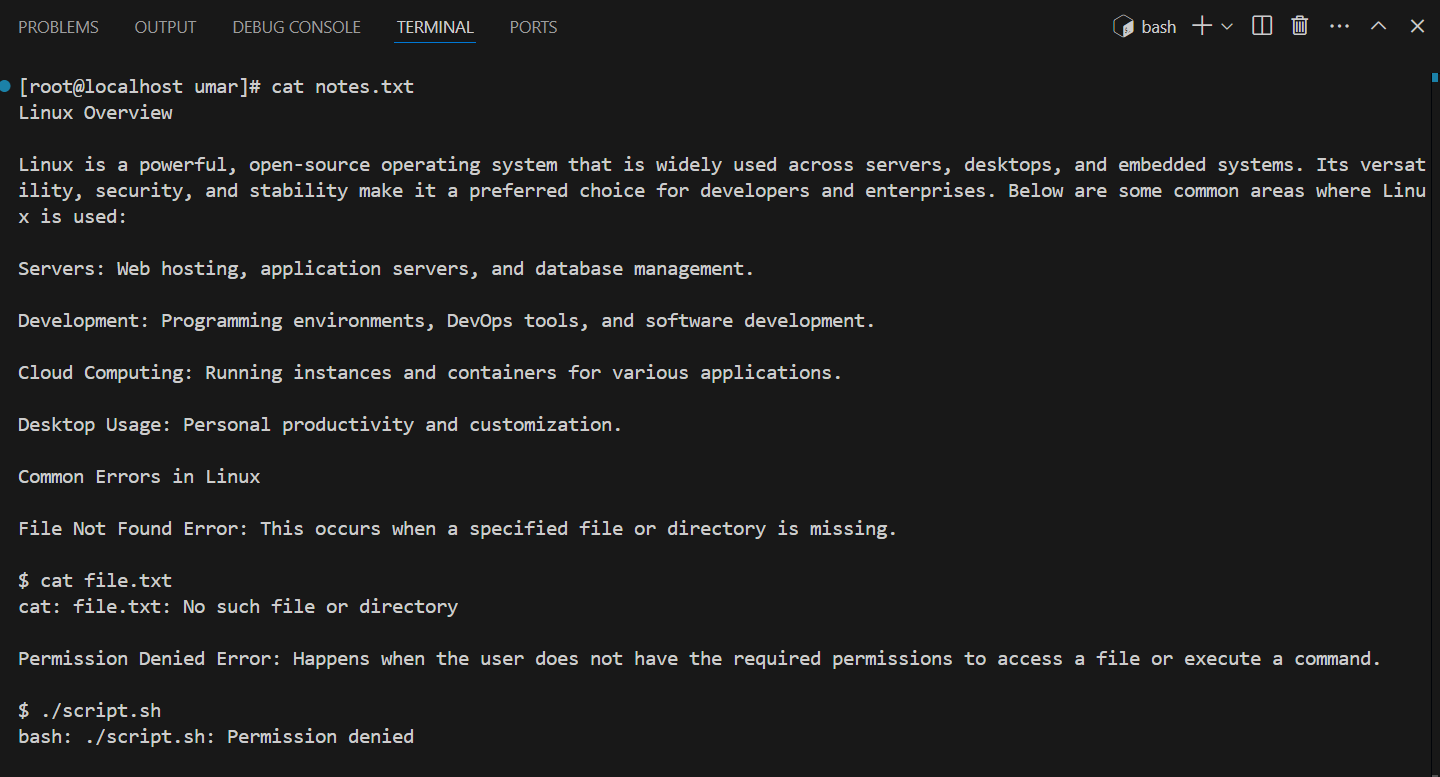
Display the contents of the file
notes.txtand redirect any error messages toerror.log.Below is content for the file notes.txt:
and below is the command to redirect any error messages to error.log
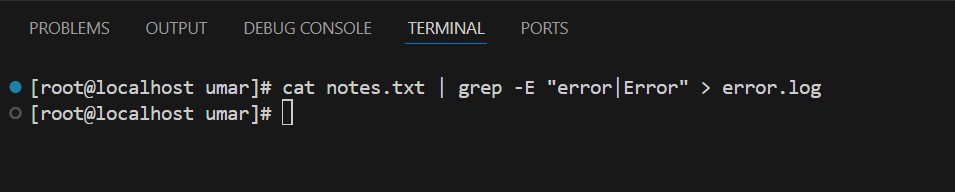
View the contents of
readme.txtin a paginated manner. Navigate through it using the spacebar.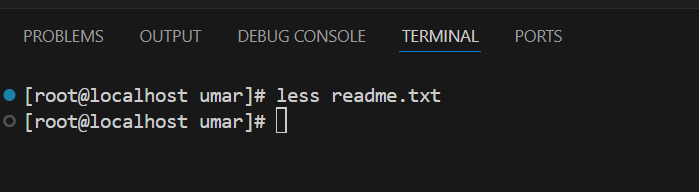
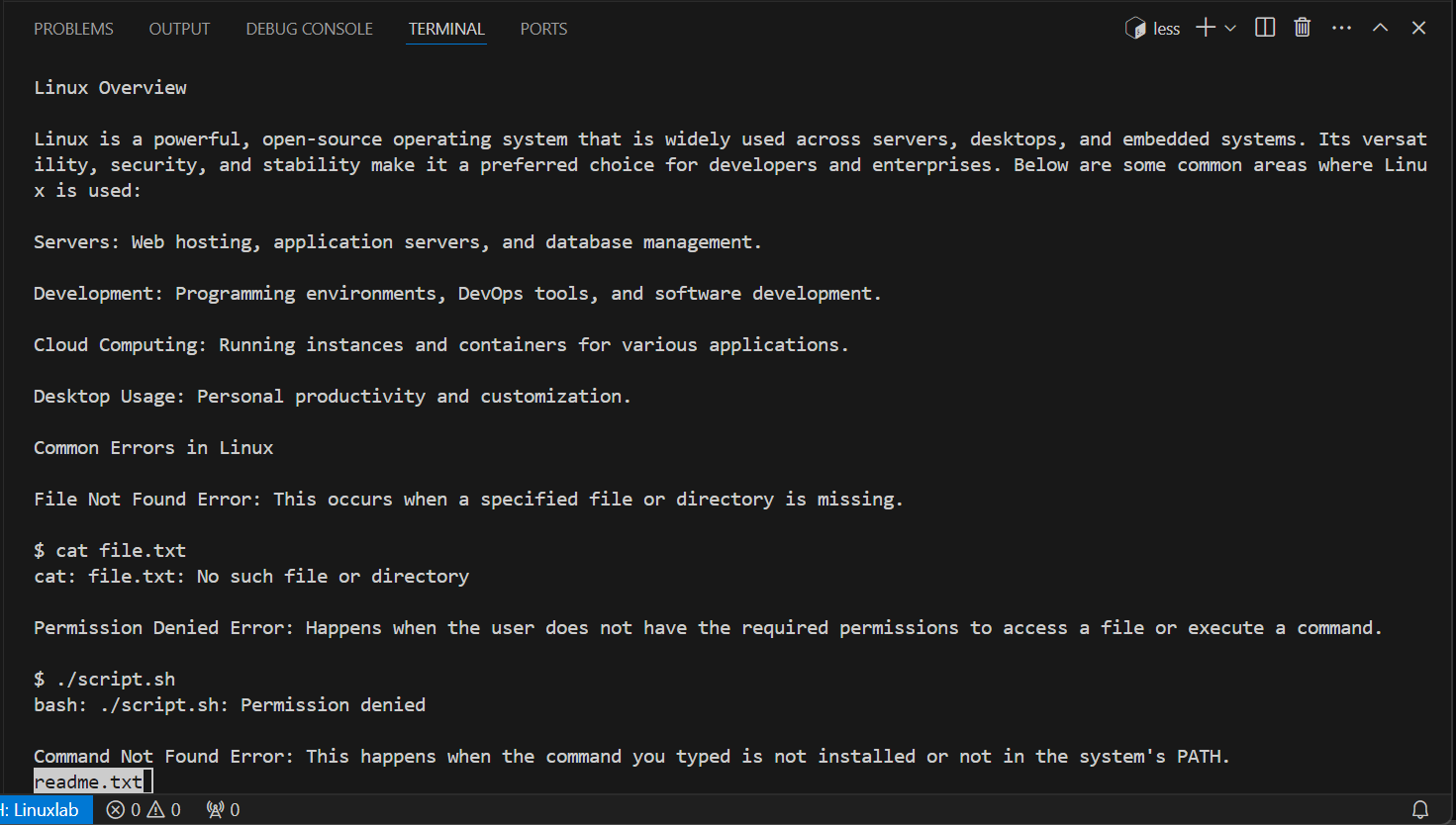
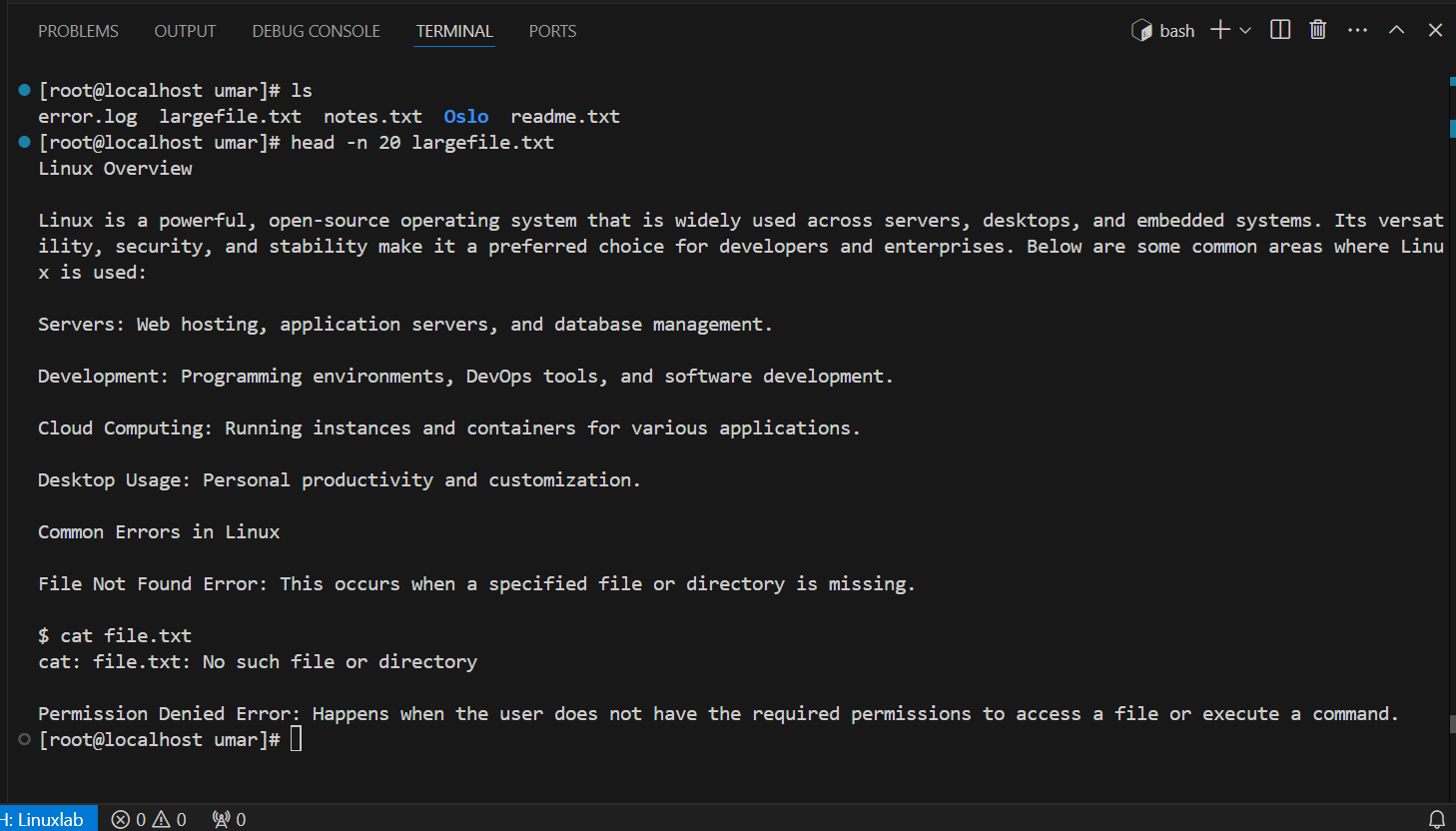
3.Display the first 20 lines of the file largefile.txt.
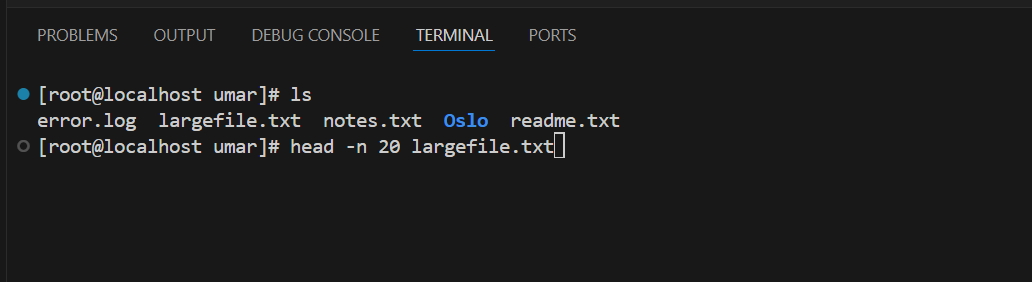
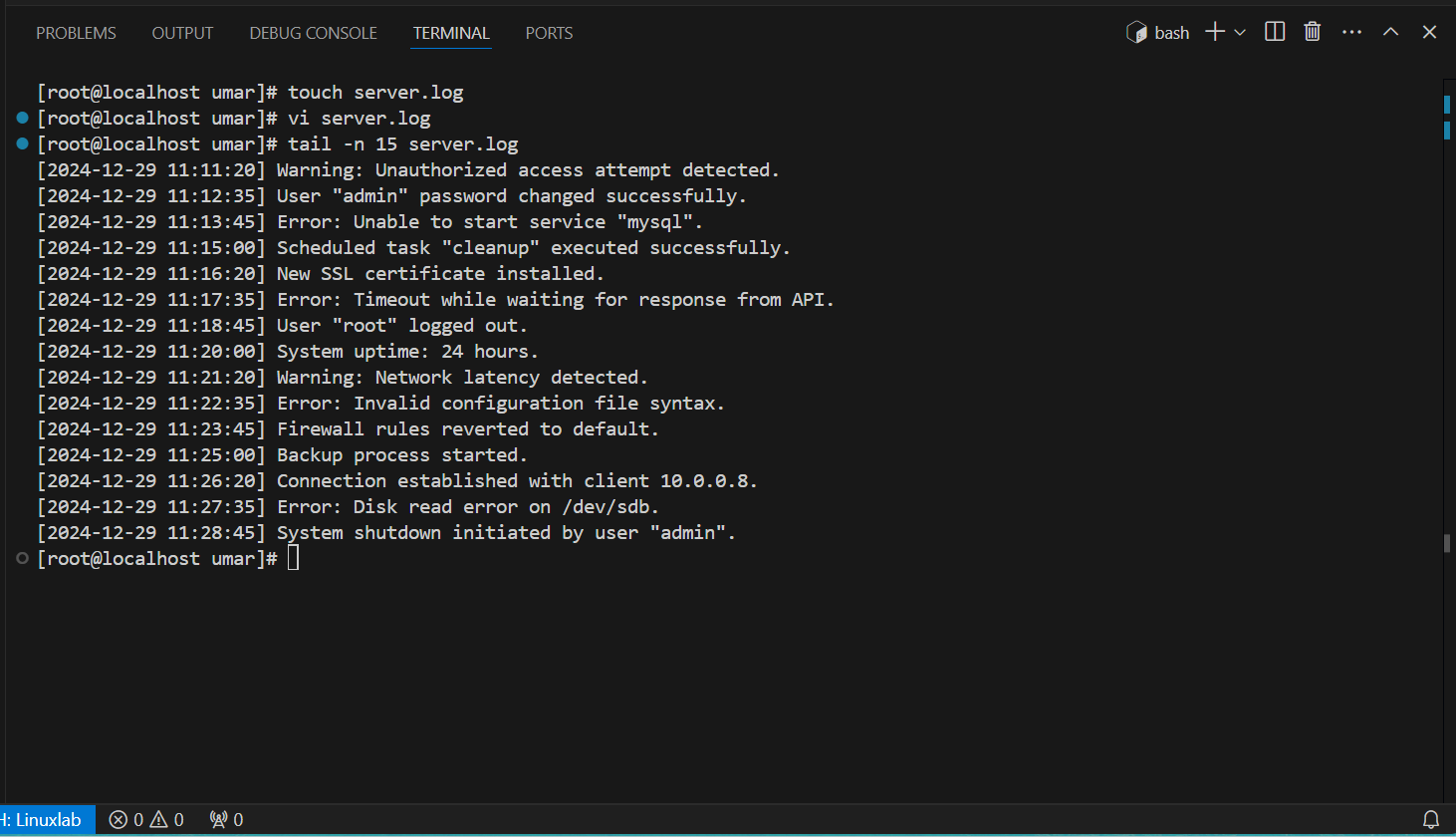
4. Show the last 15 lines of the file server.log.
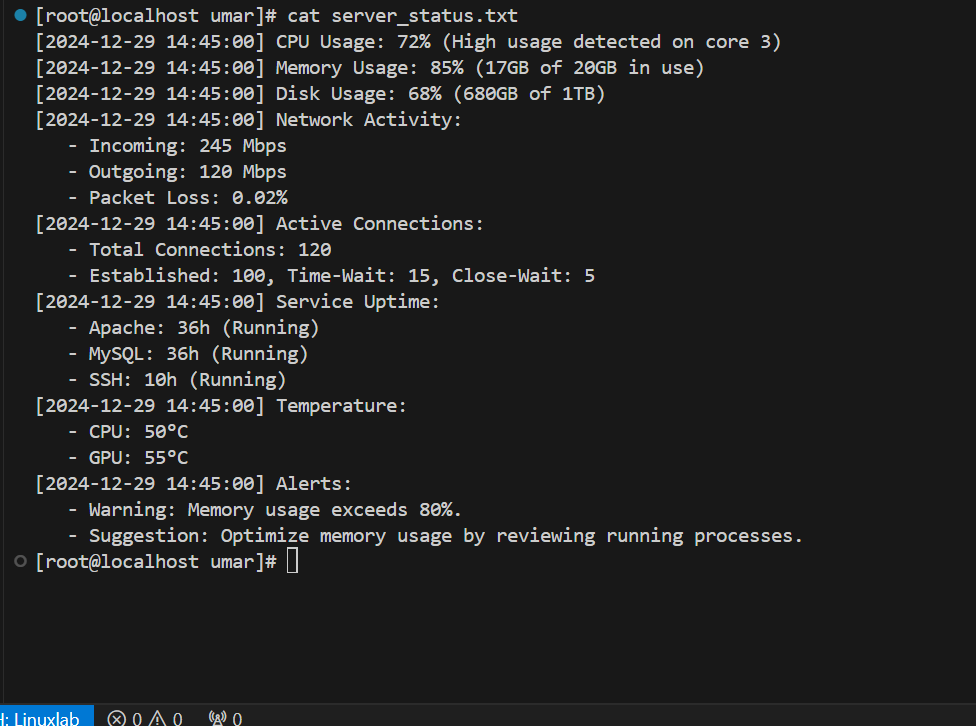
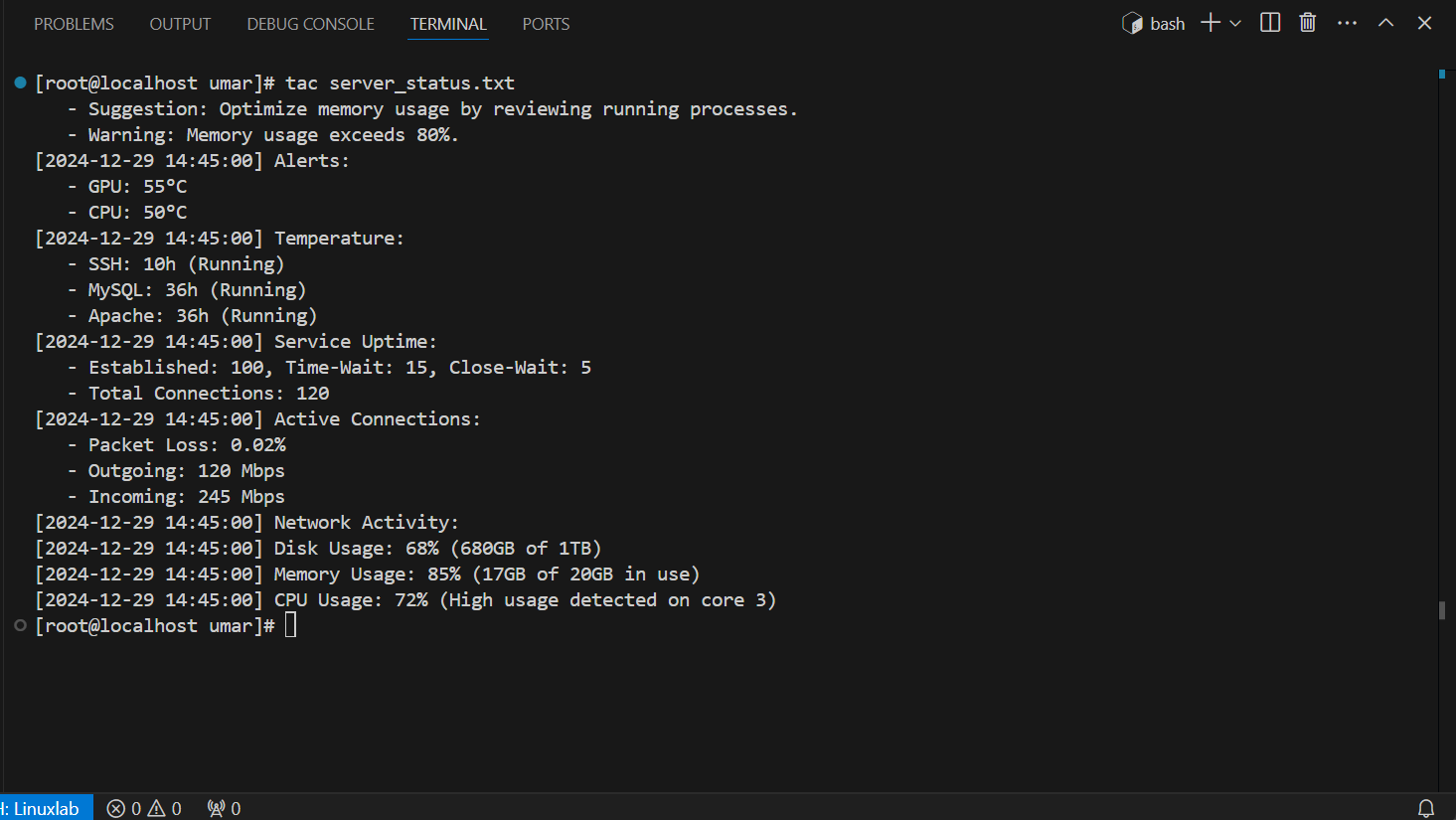
5. View the contents of the file server_status.txt in reverse order (starting from the last line).
First we will check the actual server_status.txt file that what we have in this file:
Now we can view the content of server_status.txt in reverse order with help of tac command.
Thank you for reading my blog about starting my Cloud and DevOps journey with Linux. Your support and interest mean a lot as I continue to learn and grow in this field!


